 Click here to install it
 Click here to install it
Let shopperswear it beforethey buy it
Drop a try-on button into your store in minutes.
You sell more. Your customers return less.
Your own virtual fitting room.
3-day free trial · Installs in 5 minutes · Cancel anytime





0%
Avg. return reduction
0×
Conversion uplift
0+
Active stores
Average industry results

Choose a garment
Try it now with your own image ↑
How to try it:
- Choose a garment above
- Same Photo mode is enabled
- Upload a photo
We don't store your images — they're only used to generate the try-on.
+41%
Conversions this vs. last month
Three steps. Every product page becomes a fitting room.

Customer uploads a full-body photo.

They pick any garment from your catalog.

in a click.
An AI-generated try-on, ready in 55 seconds.
on average.
Stores that add a try-on button sell more of what they show — and get back fewer returns when the package arrives.
"It felt like hiring a studio, without the studio. Sales on our dress line jumped the first week."
Your customers try on a garment
in under a minute

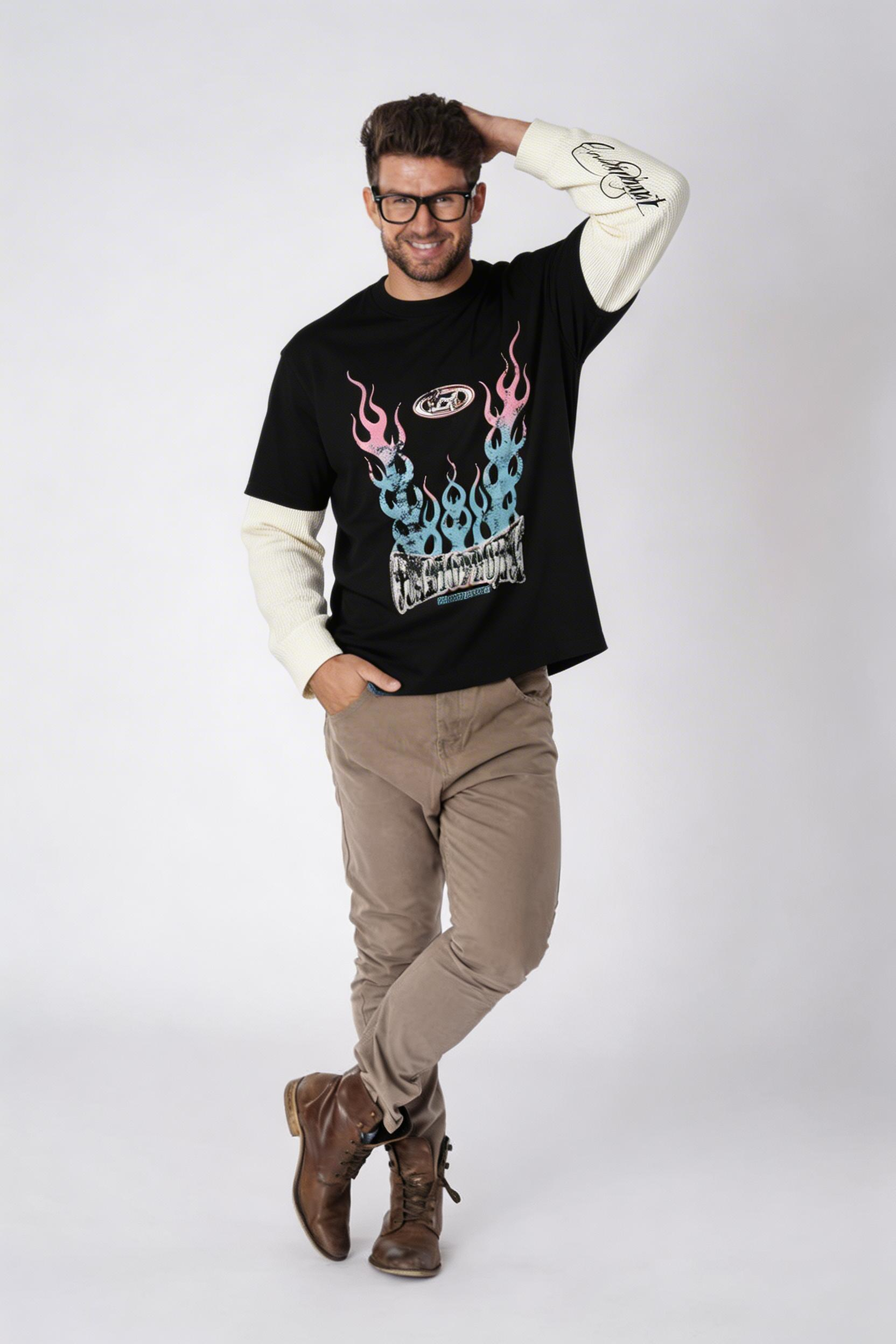
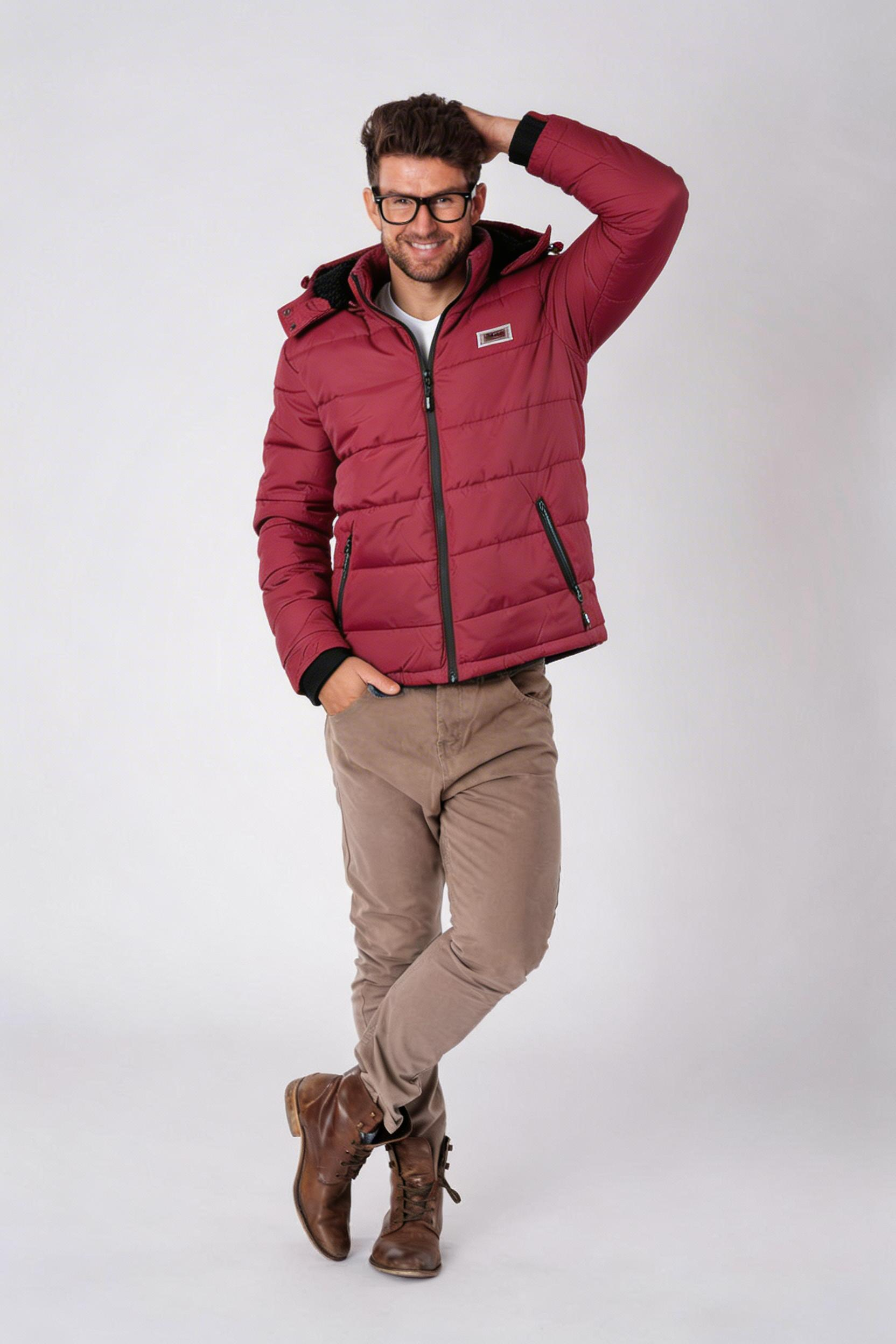
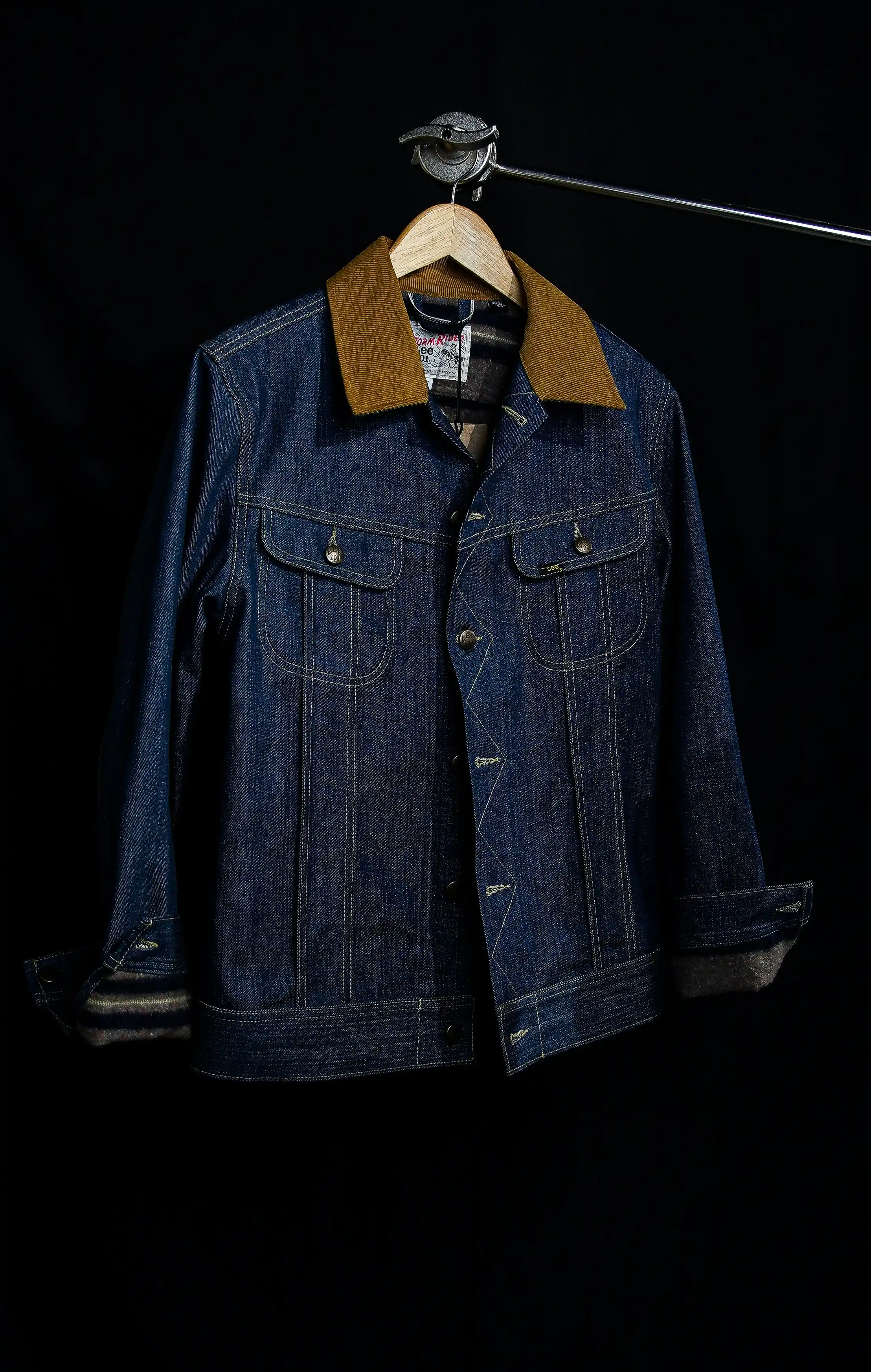
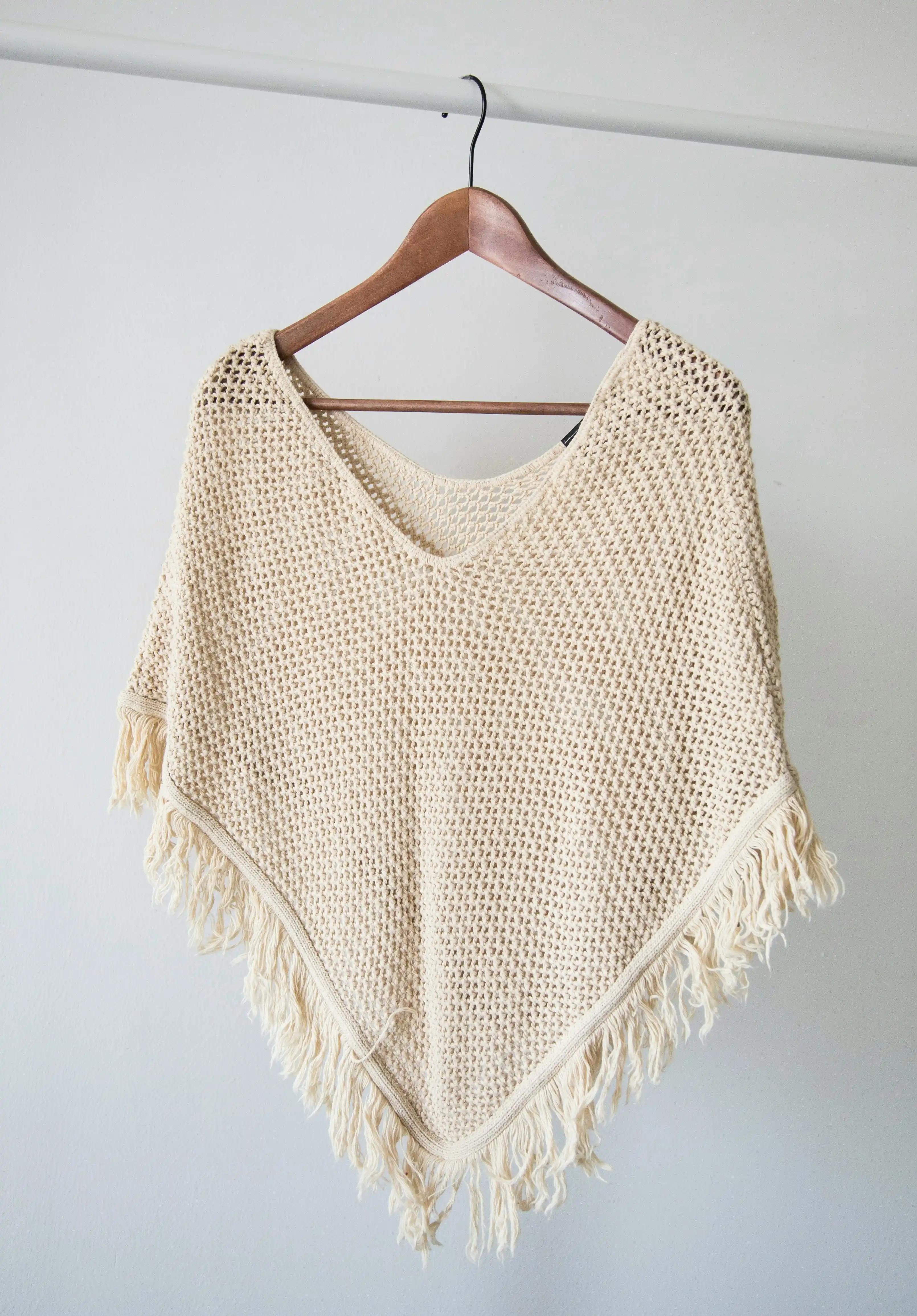
Now your customers can try on your products in seconds
Sell more, reduce returns, and offer a richer shopping experience.
When your customers see how a garment looks on them, they buy with more confidence.


The cost of not having a virtual try-on
"How will this look on me?"
Every time a visitor on your page asks this — and you don't have a virtual try-on — you're leaving money on the table.
Your customers want to feel confident before they buy. Without that confidence, they hesitate, abandon their cart, and shop elsewhere.
Virtual try-on is here to stay, used by thousands of stores worldwide like Nike and Zara


↓ of the times visitors leave without buying is because they don't know how the item would look on them
✓ With MirrorLook they see how it looks on them — and buy with confidence.
↑ higher conversion when shoppers can try before they buy
✓ More sales, same traffic. The try-on works for you 24/7.
↓ fewer returns in stores that use virtual try-on
✓ Less reverse logistics, better margins, happier customers.


Try it freefor 3 days.
Install MirrorLook and start a 3-day free trial. Up to 50 AI try-ons during the trial, then your monthly plan kicks in. Any category — dresses, denim, knitwear, outerwear.
5-minute install · Cancel anytime · 3-day free trial
Pricing
Start free, then scale with usage.
Preview pricing for your billing country.
Trend
billed monthly
For small stores
- 100 try-ons/month
- Image Quality: High
- Image generation: 60s
- 3-day free trial or 50 images, whichever comes first
- 24/7 support on WhatsApp and email
Runway
billed monthly
For stores with a large catalog of garments
- 300 try-ons/month
- Image Quality: High
- Image generation: 60s
- 3-day free trial or 50 images, whichever comes first
- 24/7 support on WhatsApp and email
Vogue
billed monthly
For growing stores ready to scale
- 700 try-ons/month
- Image Quality: Very High
- Image generation: 30s
- 3-day free trial or 50 images, whichever comes first
- 24/7 support on WhatsApp and email
High Fashion
billed monthly
For established stores with high monthly traffic
- 1,200 try-ons/month
- Image Quality: Very High
- Image generation: 30s
- 3-day free trial or 50 images, whichever comes first
- No overages
- 24/7 support on WhatsApp and email
Click your ecommerce platform to view the installation tutorial
FAQ
Most stores complete setup in under 5 minutes. Just copy and paste one line of code.
No. Installation and configuration are done through the app flow.
MirrorLook supports Shopify, Tiendanube, WooCommerce, Wix, WordPress, VTEX, Squarespace, Ecwid, OpenCart, PrestaShop, Odoo and custom code.
Yes. Every monthly plan includes a 3-day free trial — you add a card up front, but we won't charge it until the trial ends or you generate 50 images, whichever comes first. Cancel anytime before then.
MirrorLook records an anonymous session ID, browser and device info, and approximate location (city, country) derived from the IP address. It also tracks which products were tried on and conversion events like add-to-cart or purchase. No names, emails, or payment details are ever collected by MirrorLook. Shopper photos are processed by our AI engine to generate the result and are not stored.
All data is stored on servers located in the United States. Data in transit is encrypted via SSL and data at rest is encrypted by the database provider.
Uninstalling immediately stops all data collection. Your store data and all associated shopper records are automatically deleted from our systems. If you installed via copy-paste script, you will also need to remove that line from your theme — without the app active, the script loads nothing, but the tag remains until manually deleted.